Driver Guide
Wingz Vehicle Sign FAQ
Quick Summary
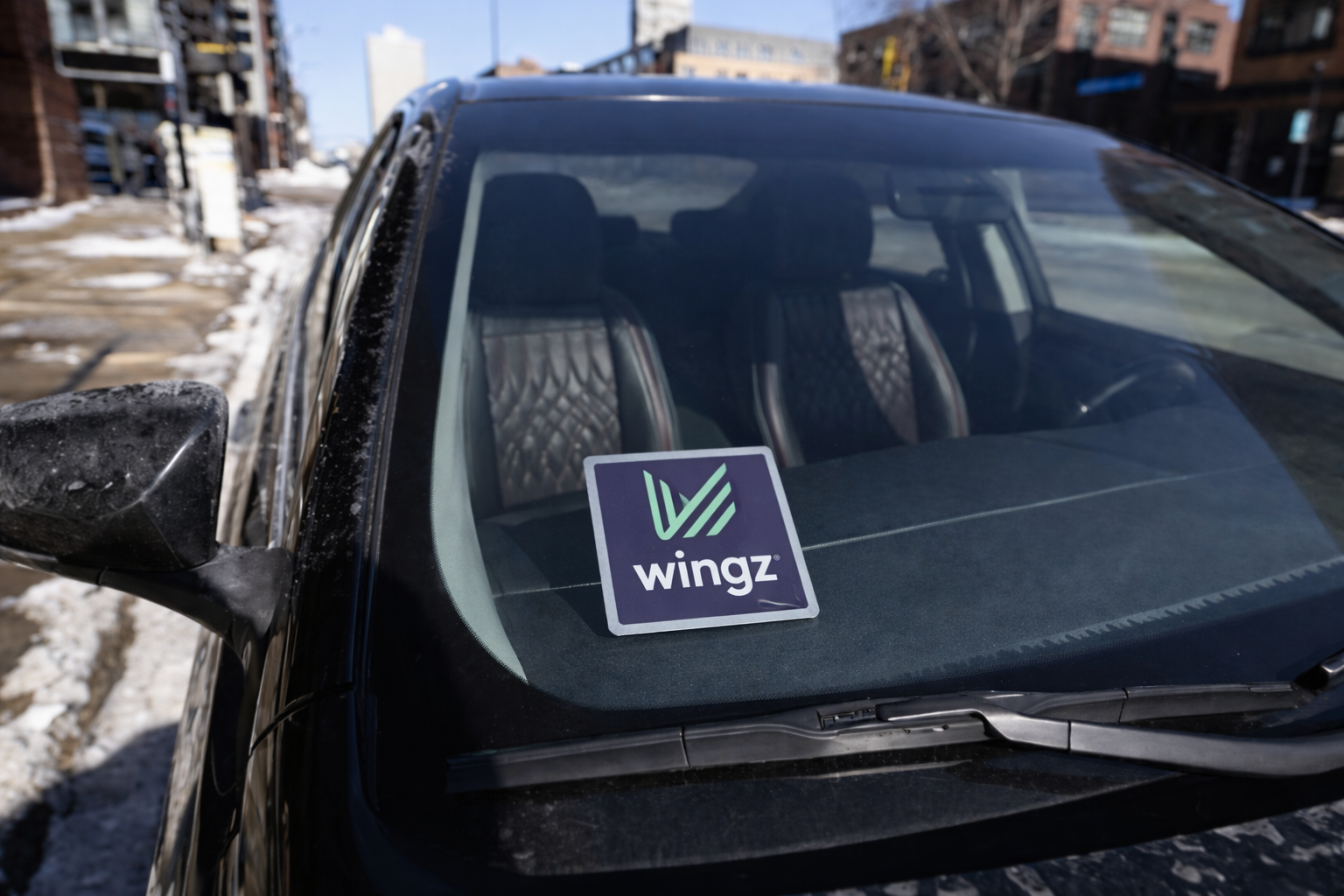
You need to display your Wingz vehicle sign so members can clearly identify your vehicle.
Download Wingz SignWhat to do:
- Place the sign inside the lower passenger-side windshield, clearly visible from outside
- Make sure it is printed in color, laminated, and secured flat
- Send a clear photo once it is installed
Incentive and deadline:
- Submit your photo by Sunday, March 29 to receive a $15 bonus
- This is required for all drivers by Wednesday, April 1 to avoid losing access to the app
Table of Contents
- Why do I need to display the sign?
- What do I need to do?
- Where should I place it?
- What should I print it on?
- Do I need to laminate it?
- How do I attach it?
- What size should it be?
- What should my photo show?
- Is there a bonus for completing this?
- What is the deadline?
- What happens if I do not complete it?
- What if I already have a sign?
- What if my sign gets damaged?
- Can I use a different design?
- Will Wingz provide the sign in the future?
1) Why do I need to display the sign?
The sign helps members clearly identify your vehicle and feel confident they are getting into the right car.
Back to top ↑2) What do I need to do?
- Download the approved Wingz trade dress file
- Print it in color
- Laminate it so it lasts longer
- Place it inside the lower passenger-side windshield
- Secure it so it stays flat and visible
- Send a clear photo once installed
3) Where should I place it?
- Inside the lower passenger-side windshield
It must be clearly visible from outside the vehicle.
 Back to top ↑
4) What should I print it on?
Regular or thicker paper is fine. It must be printed in color and laminated.
Back to top ↑6) How do I attach it?
Use tape, suction cups, or any method that keeps it flat and secure.
Back to top ↑11) What happens if I do not complete it?
App access will be suspended until compliant.
Back to top ↑14) Can I use a different design?
No. Only the approved Wingz trade dress file should be used.
Back to top ↑